 Studsmith
Studsmith for a whole class, or a whole studio.
There are two editions beyond the individual app: Studsmith for Schools, made for classrooms, clubs and camps, and Studsmith for Teams, for professional studios and companies. Both add seats, shared credits and one bill.
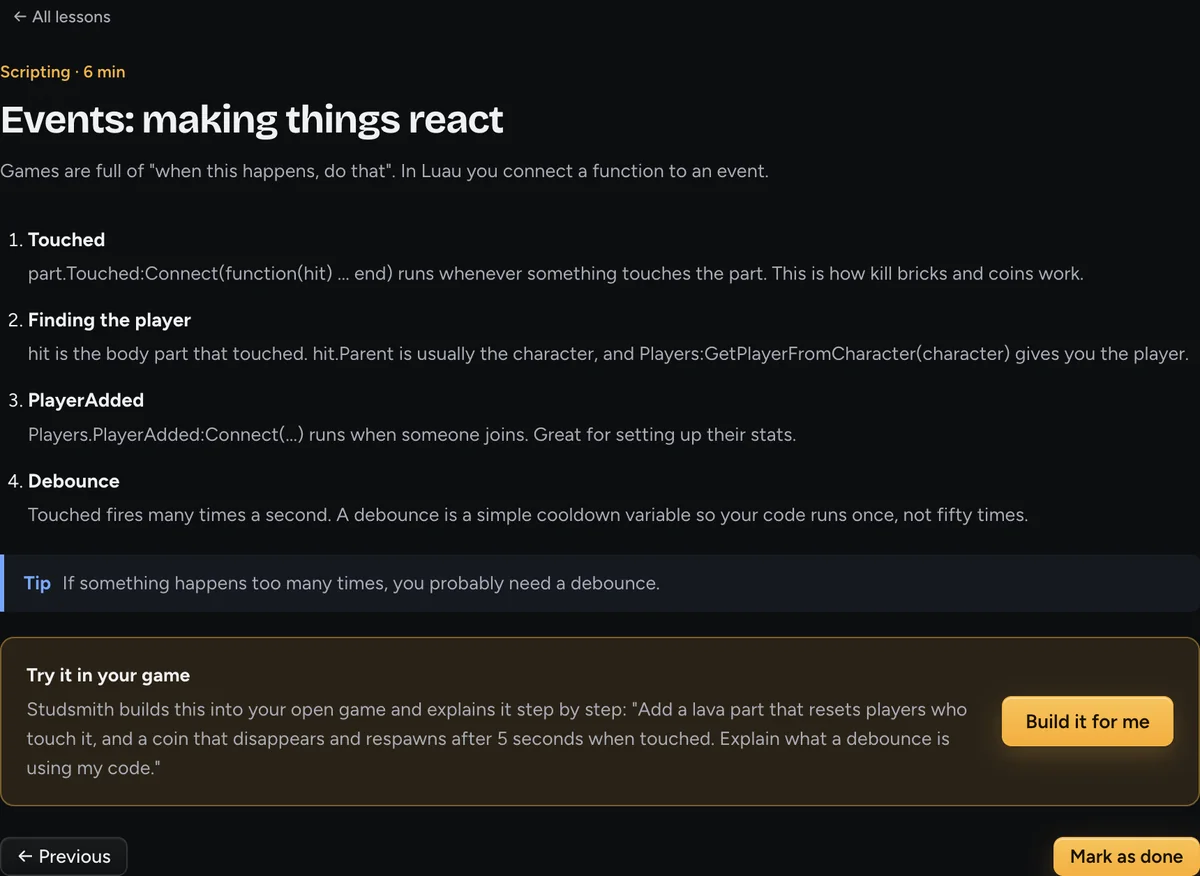
Students ship a real game in one session
Starter games mean every student has a complete, playable game in the first few minutes, then spends the lesson changing and understanding it.
Teaches thinking, not typing
Students plan, test, debug and explain. The assistant shows its plan and reasoning, so the process is visible, not a black box.
Runs on school computers
Windows and Mac, free Roblox Studio, one installer. The app installs its own tools and connects to Studio by itself.
Predictable cost
A fixed pool of credits for the group, shared across seats. When it is used up, building pauses. No surprise bills.
Safe by design
No social features, no chat between users, content rules that follow the Roblox Community Standards.
Professional-grade underneath
The same engine checks, automatic playtests and tested library that professional developers use, so students learn good habits from the start.
Built for groups.
The same app everyone else uses, licensed and set up for many people at once.
Studsmith for Schools
For classrooms, coding clubs, camps and after-school programmes.
- Seats for every student and teacher
- A shared credit pool for the class
- Beginner mode and step-by-step lessons from the first launch
- Complete starter games so every student succeeds in lesson one
- One invoice, education pricing
Studsmith for Teams
For studios and companies building on Roblox.
- Seats for every developer, designer and builder
- Shared credits and central billing
- Engine-accurate checks and automatic playtests on every change
- Works in your existing repositories and Rojo projects
- Volume pricing and priority support
Good to know
How is the school edition different?
It is licensed per classroom or site with a shared credit pool, starts every student in beginner mode with the built-in lessons, and is billed on one invoice. Contact us for details and availability for your group.
How is the teams edition different?
It is licensed per seat for a company or studio, with shared credits, central billing and expert mode by default. Contact us to set it up.
Do students need accounts?
Each seat signs in. Accounts are for ages 13 and up; for younger students a teacher or guardian manages the seat.
Can we try it first?
Yes. Anyone can start free today, and we are happy to arrange a pilot for a class or a team.
Bring Studsmith to your school or studio.
Tell us how many seats you need and what you want to teach or build. We will set up the right edition, a credit pool and a price for your group.